High-Contrast Big Buttons. Zero Clutter.
Clean notification badges that clear automatically when tapped, a simple call log, and built-in permission self-healing.
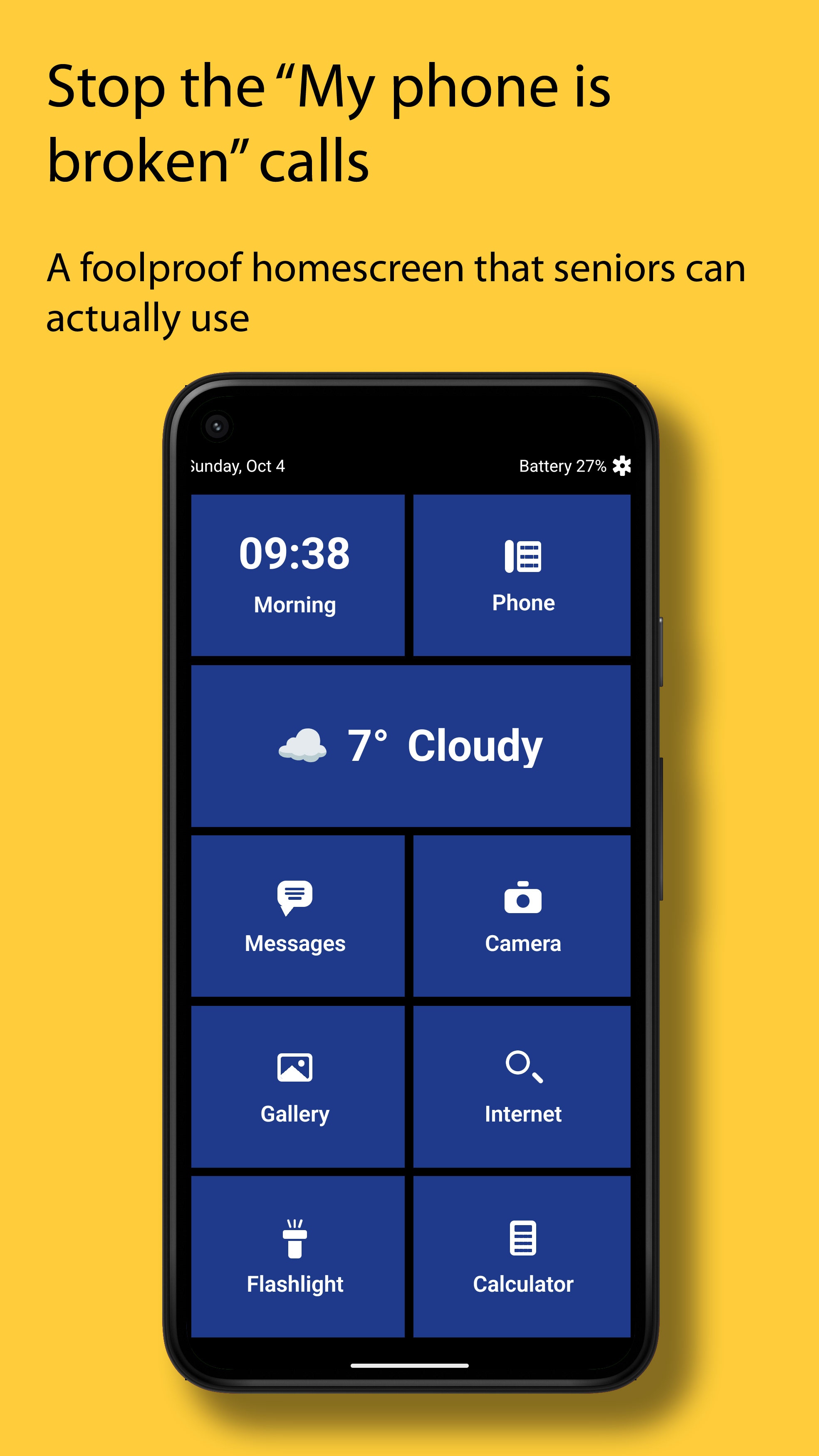
Stop playing full-time tech support for your aging parents. SeniorLauncher locks down the home screen with a PIN, prevents accidental muting, and keeps a Home button visible inside every app.
▶ Watch the 23-second overview (Sound on)
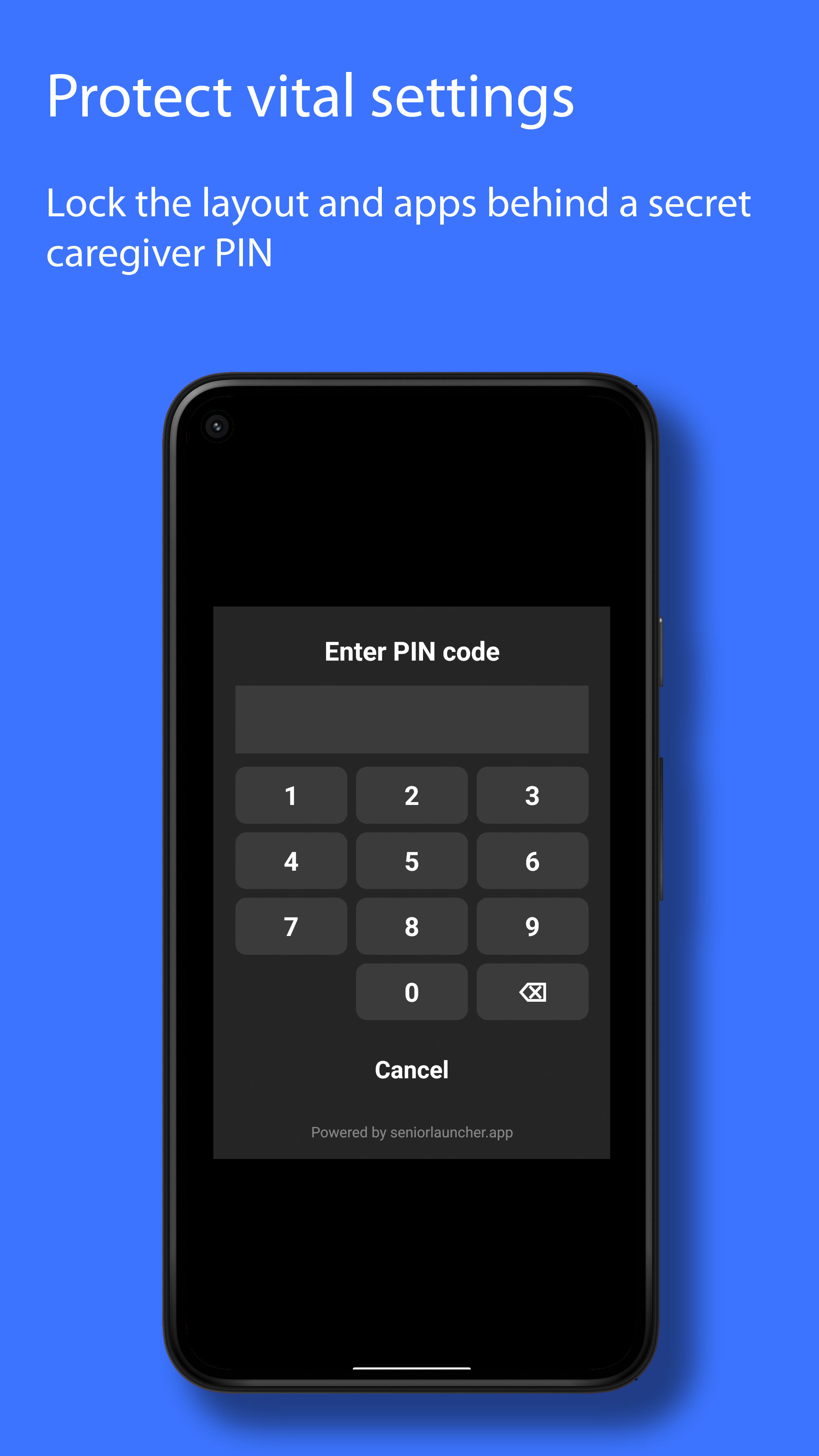
You set up the phone once and lock it with a PIN. SeniorLauncher handles the rest automatically.
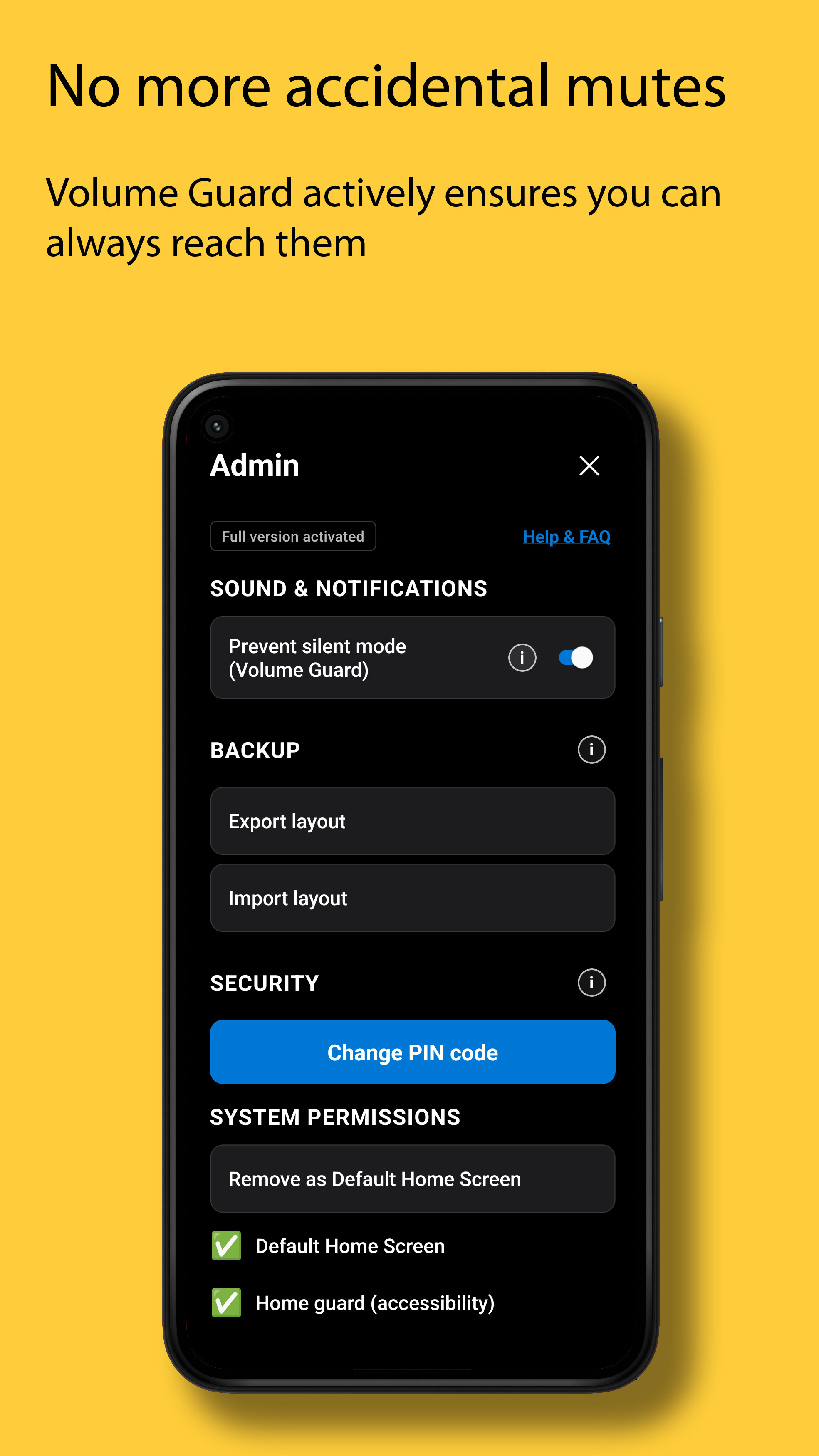
Active Volume Guard: Automatically keeps the phone in normal ringer mode and holds ring volume above 50%—even if the side volume buttons are pressed by mistake.
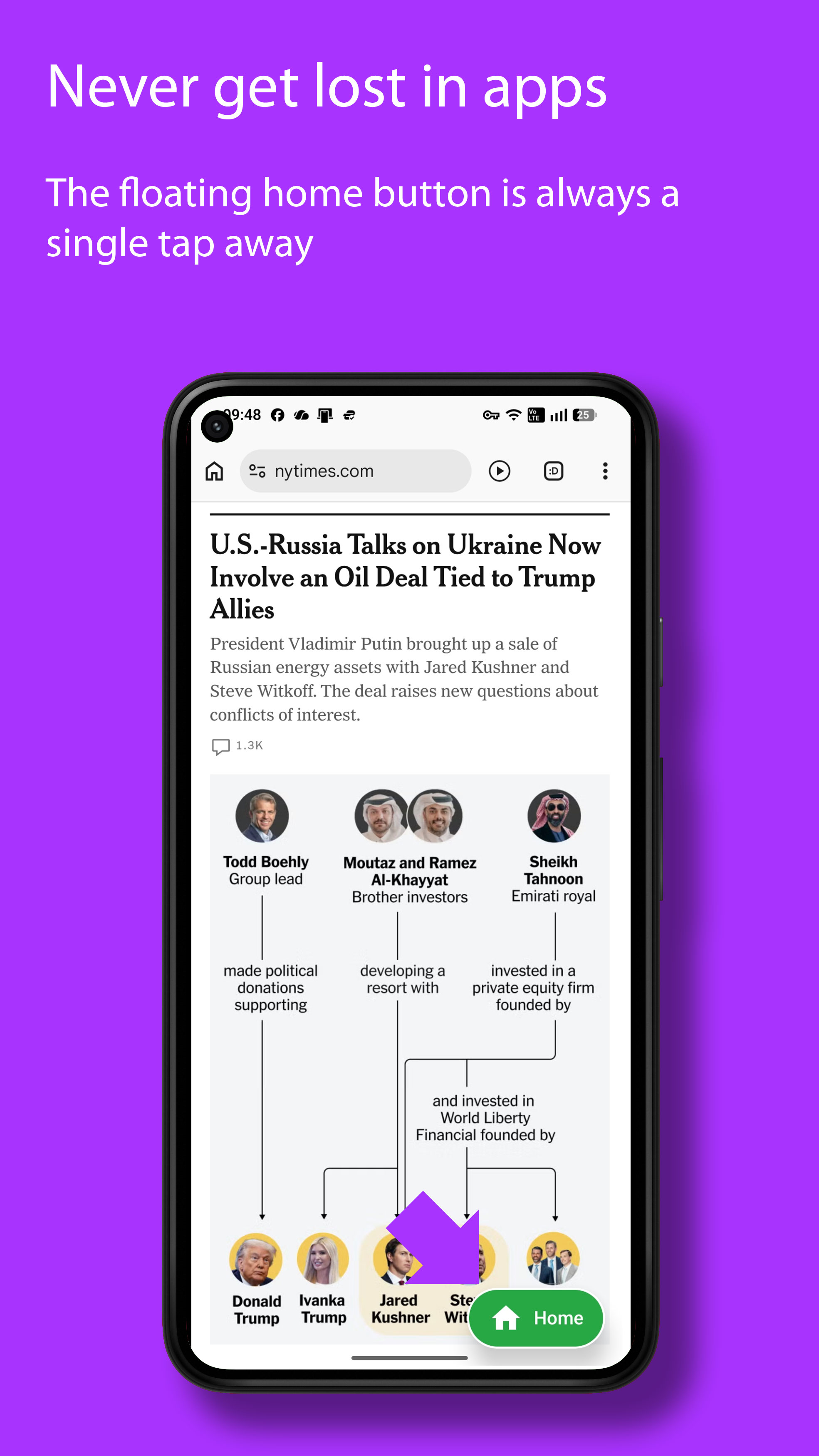
Never Get Lost in Apps: A clear Home pill floats on top of news articles, ads, and cameras. One tap brings them safely back to the main screen.
Dementia-Friendly Layout Lock: Apps cannot be deleted or moved around. Hide confusing apps and export a 1-click backup of the entire setup.
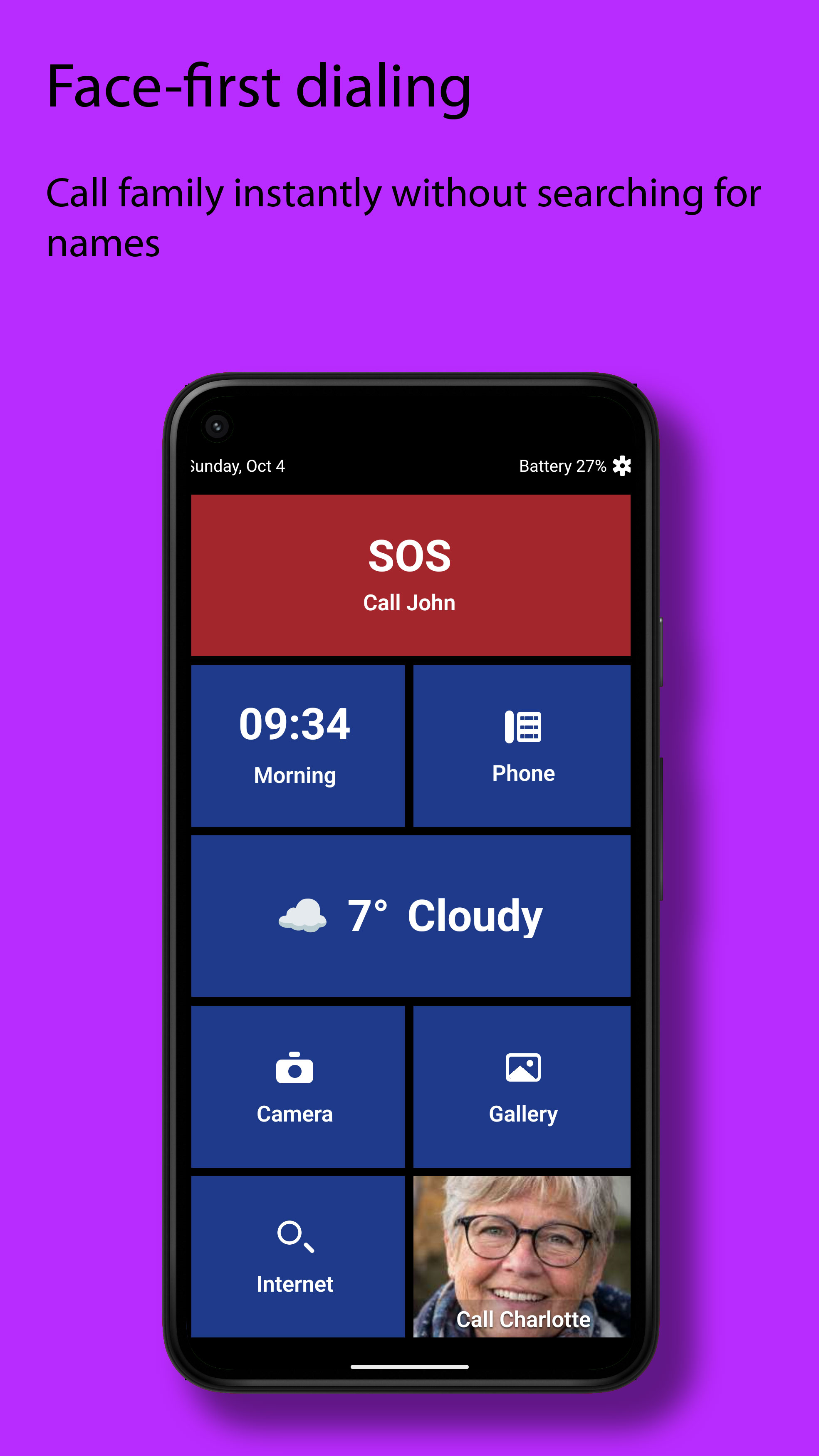
Faces First & Instant Help: Call family via big photo tiles (with a 5-second pocket-dial countdown), or tap the red SOS tile to call and send live GPS coordinates.
Clean notification badges that clear automatically when tapped, a simple call log, and built-in permission self-healing.
Click any topic below to expand videos, setup steps, and pricing details.
1. Install & Set PIN: Download SeniorLauncher on your parent's phone and choose a 4-digit caregiver PIN.
2. Guided Permissions & Health Shield: Our built-in checklist walks you through enabling Volume Guard and the Accessibility Service for the floating Home button. If a setting is ever turned off by mistake, the self-healing Health Shield alerts you right on the home screen.
3. Add Photos & Lock: Add photo speed-dial tiles for family members, hide unused apps, and export a 1-click backup file.
Test every feature completely free for 14 days—no credit card or subscription required upfront.
What happens if the trial expires? The phone never locks up! It safely switches to a basic restricted layout so your parent can still make calls and send messages. Your custom photo tiles and settings are saved in the background and restored the instant you unlock the full version (€19.90 one-time payment).
"I originally built SeniorLauncher in Norway for my own 90-year-old parents. Working night shifts, I needed to sleep during the day knowing my family could always reach me effortlessly—and that I wouldn't wake up to frantic 'my screen is gone' or muted-phone emergencies."
Supported Languages: English, Norsk, Dansk, Svenska, Suomi, Deutsch, Nederlands, Español, Français, Italiano, and 8 more languages built right in.
Try SeniorLauncher free for 14 days on any Android smartphone.
Download on Google Play →